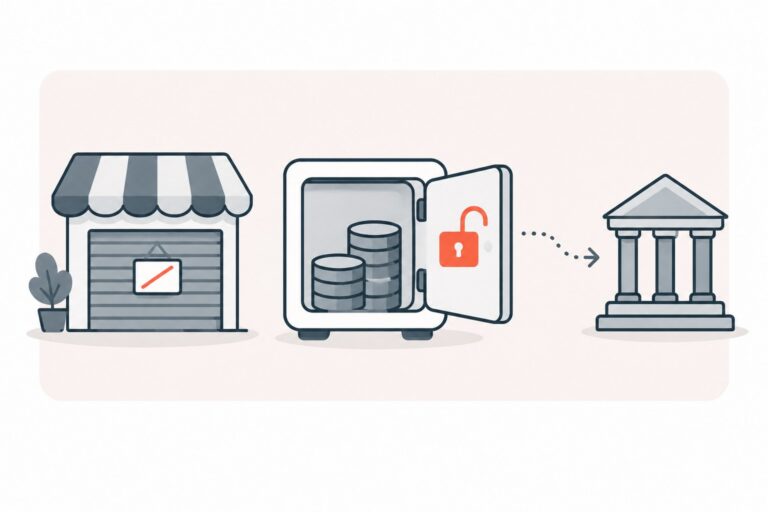
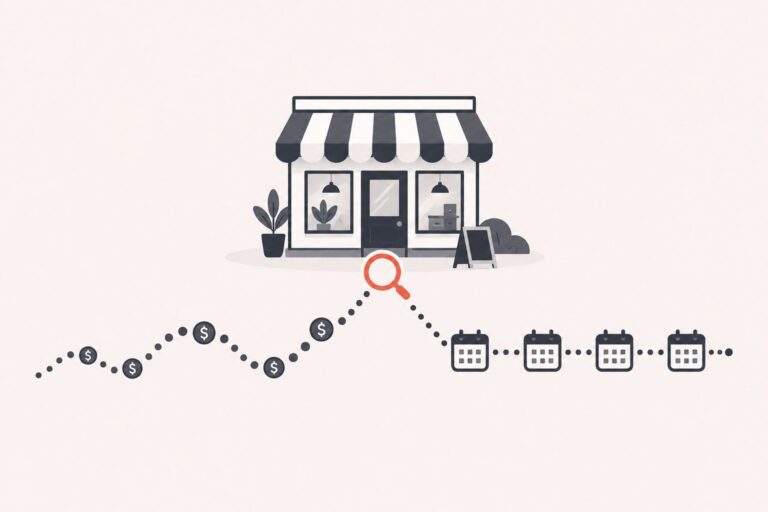
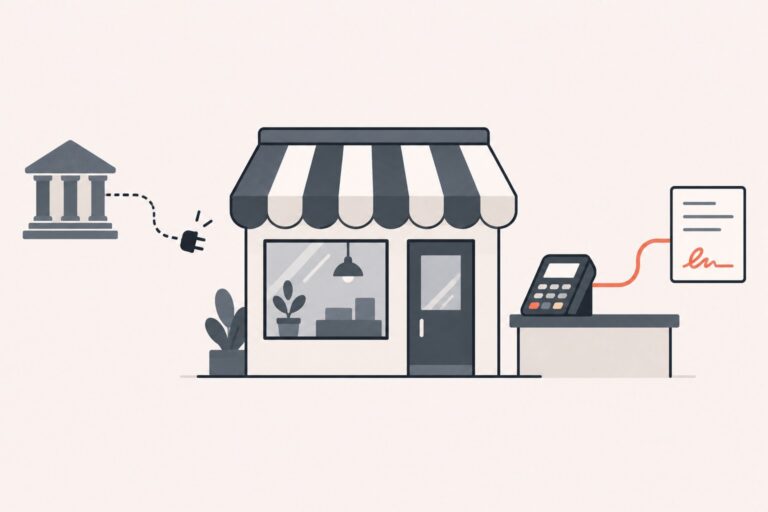
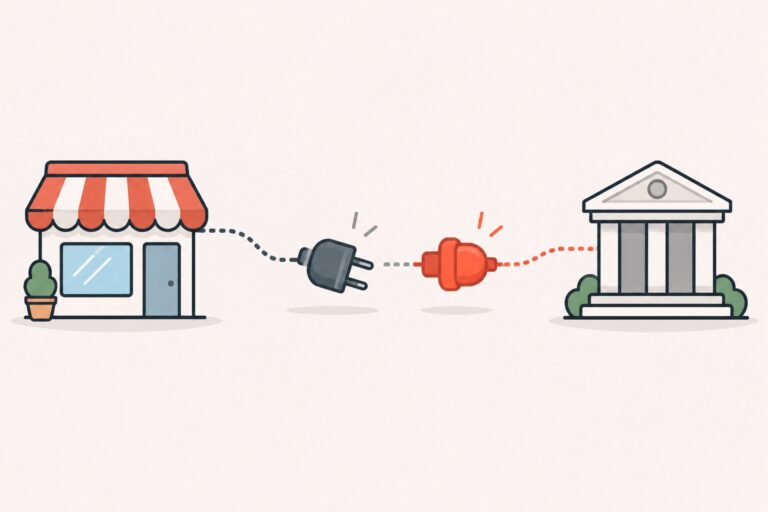
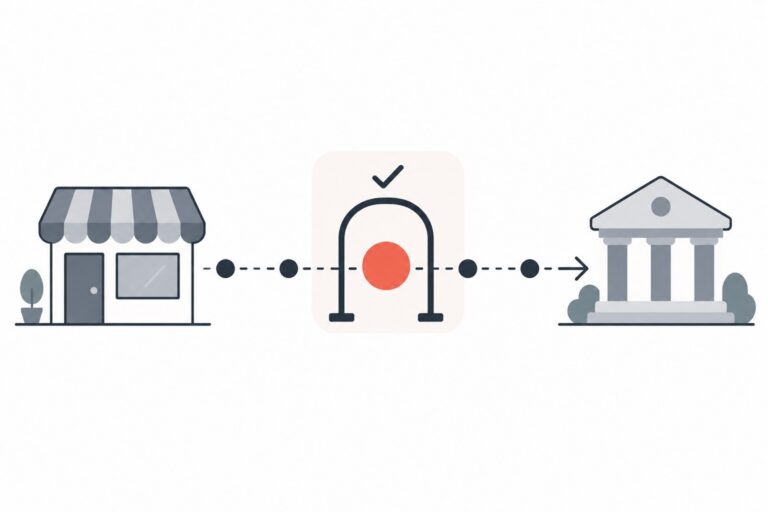
If Shopify Payments was declined, disabled, or placed under review, first check the notice in your Shopify admin. The reason may relate to your product category, location, account activity, or another eligibility requirement. In some cases, you may be able to keep your Shopify storefront and use a compatible third-party payment provider, subject to Shopify’s rules, the provider’s underwriting, and local law.
If you are looking for a Shopify Payments alternative for a high-risk store, start by separating three questions: can you use Shopify as your storefront, can you use Shopify Payments for your products and location, and will a third-party provider approve and integrate with your store? Those decisions are related, but they are not the same.
Why Shopify Payments May Not Support Your Product or Business
Shopify Payments has eligibility rules for products and business types. Shopify’s published categories include regulated or illegal products and services, some products with unverified health claims, adult products, and other categories. The list is not exhaustive and can vary by region, so check the current rules for the country where your business operates before relying on a general category label.
For example, Shopify says Shopify Payments does not support hemp and hemp-derived CBD or THC products. Shopify also says that merchants selling hemp products may be able to use a compatible third-party provider and continue using Shopify as their storefront, subject to provider approval and applicable laws. The provider’s rules may be narrower than Shopify’s.
A payment review or account closure can have more than one cause. Check the notice and request clarification from Shopify before assuming it was triggered by a product category, a chargeback, or a product-page claim. Shopify evaluates eligibility and monitors accounts over time; a third-party provider will also conduct its own review.
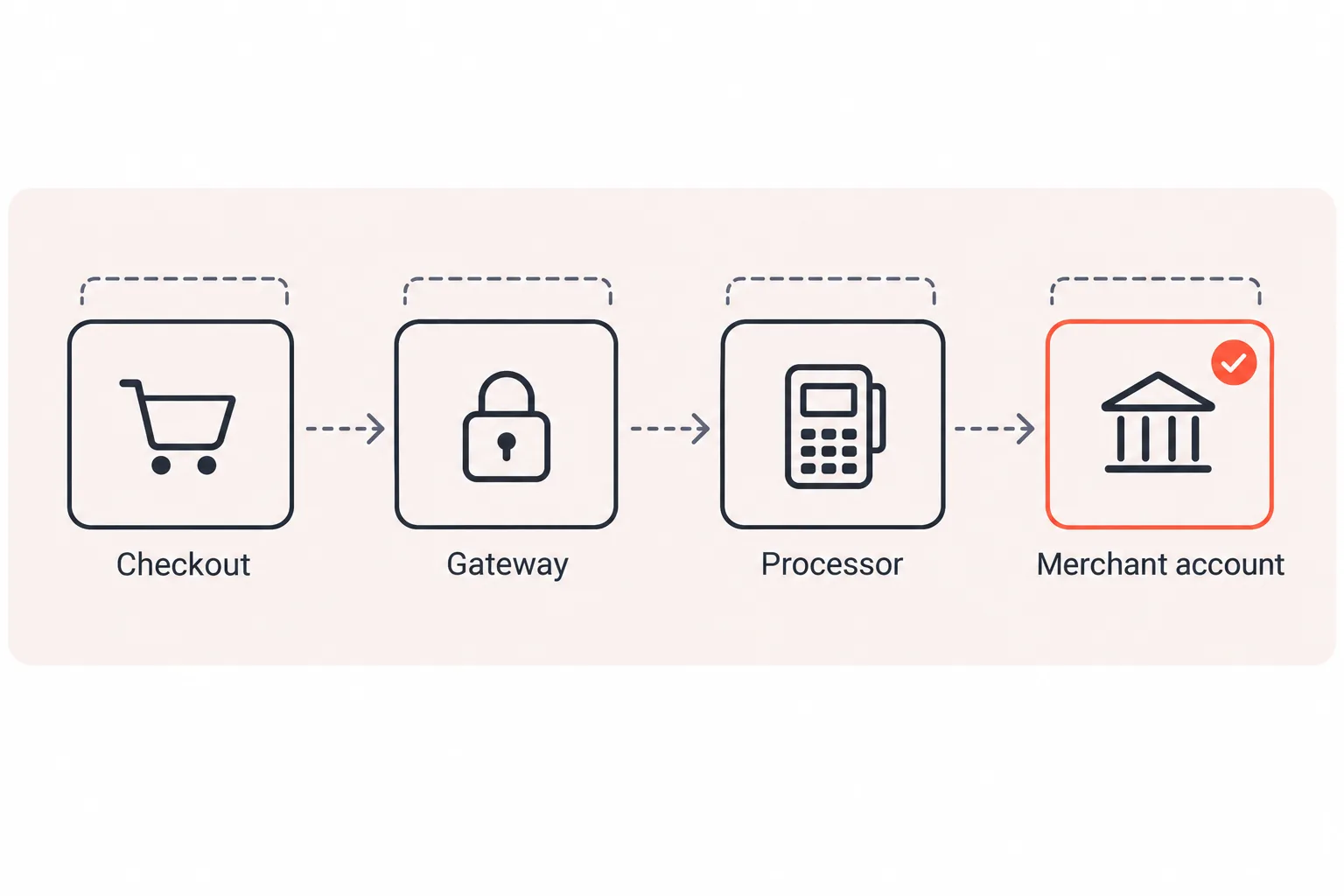
A merchant account is the acquiring relationship used to process card payments. A gateway securely sends payment details between checkout and the processor. Shopify Payments combines payment services within Shopify. With another provider, the merchant account, gateway, Shopify integration, and checkout experience can involve separate companies and separate terms.
The Setup: Shopify Store, Merchant Account, and Compatible Payment Provider
A third-party card-processing setup may include:
1. A merchant account whose underwriter accepts your specific products, business model, and location. 2. A payment gateway or provider integration that is available for your Shopify store and works with your checkout and billing needs.
Providers use different underwriting models and review procedures. Before applying, ask who underwrites the account, what products and countries are supported, how payouts and reserves work, which fees apply, and how to reach support if a payment is held.
A dedicated merchant account is not a guarantee against a future review, reserve, or closure.
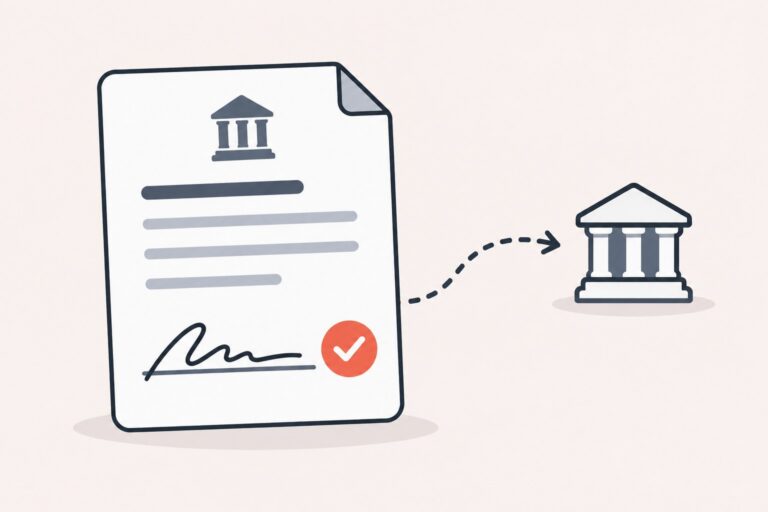
PPO says it works with a network of acquiring and processing partners and offers card, alternative-payment, and ACH merchant accounts for harder-to-place categories. Its online payment services describe ecommerce solutions, but do not by themselves confirm that a particular Shopify integration is available for your business. Ask PPO to confirm the provider, products, region, and integration options for your store before you rely on a proposed setup.
How to Check a Third-Party Provider Before Connecting It
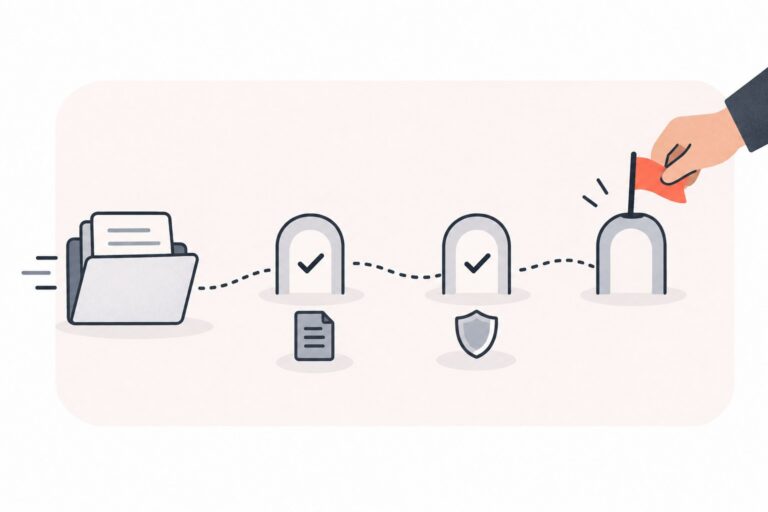
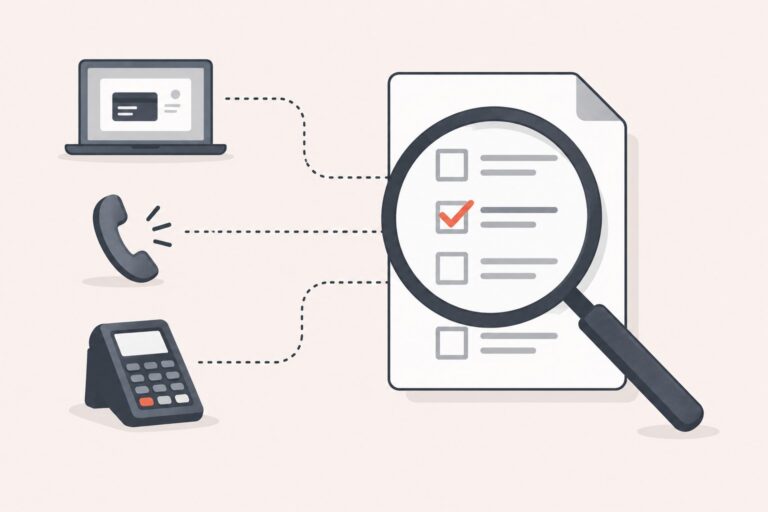
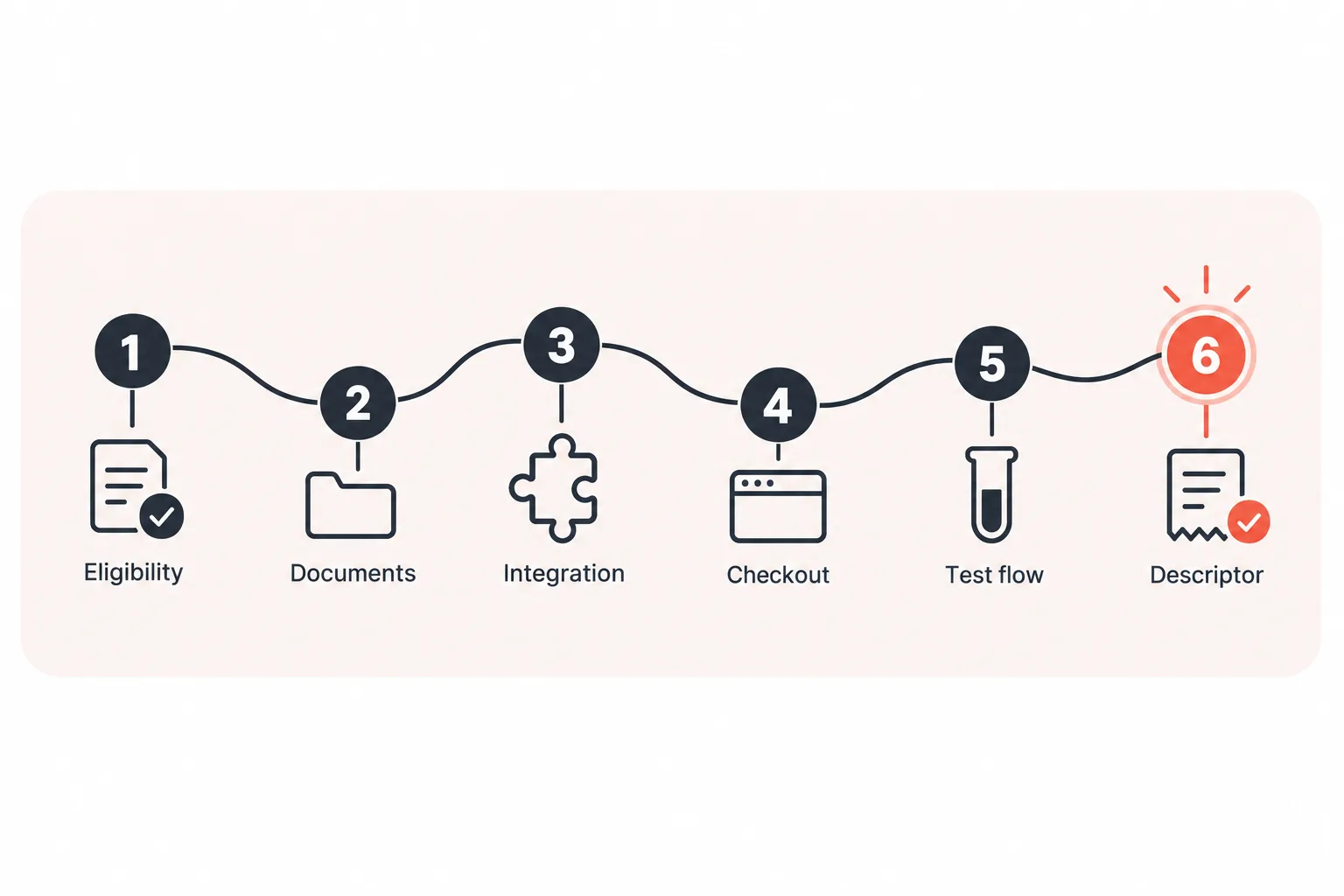
1. Confirm product and location eligibility. Give the provider an accurate description of every product, ingredient, claim, billing model, and country you serve. Ask for its decision and any conditions in writing. 2. Prepare the underwriting documents it requests. These may include business formation documents, bank verification, processing or bank statements, product details, refund and fulfillment policies, and a working website. Requirements vary by provider, business, and processing history. 3. Check the current provider list and integration method in Shopify. A provider may require an app or a specific setup flow; not every integration uses API credentials entered manually. Follow Shopify’s current instructions and the provider’s own documentation. Shopify says third-party integrations are being updated, so check your admin for applicable notices. 4. Ask how checkout works. Confirm whether the integration is embedded, hosted, or redirects customers, and whether it supports your store’s checkout and payment methods. Do not assume every provider keeps the same checkout experience. 5. Test the full customer flow before switching live traffic. Use the provider’s recommended test process and verify authorization, capture, refunds, order records, reconciliation, and any subscription app you use. Schedule the change when staff can monitor it. 6. Review your billing descriptor and customer messages. Use a descriptor customers can recognize and make renewal terms, support contact details, refund terms, and cancellation steps easy to find.
A provider may review the same public-facing information as other underwriters, including products, product claims, fulfillment practices, and refund policies. Correct inaccurate or unclear information before applying, and answer underwriting questions consistently.
What a Third-Party Payment Setup Costs
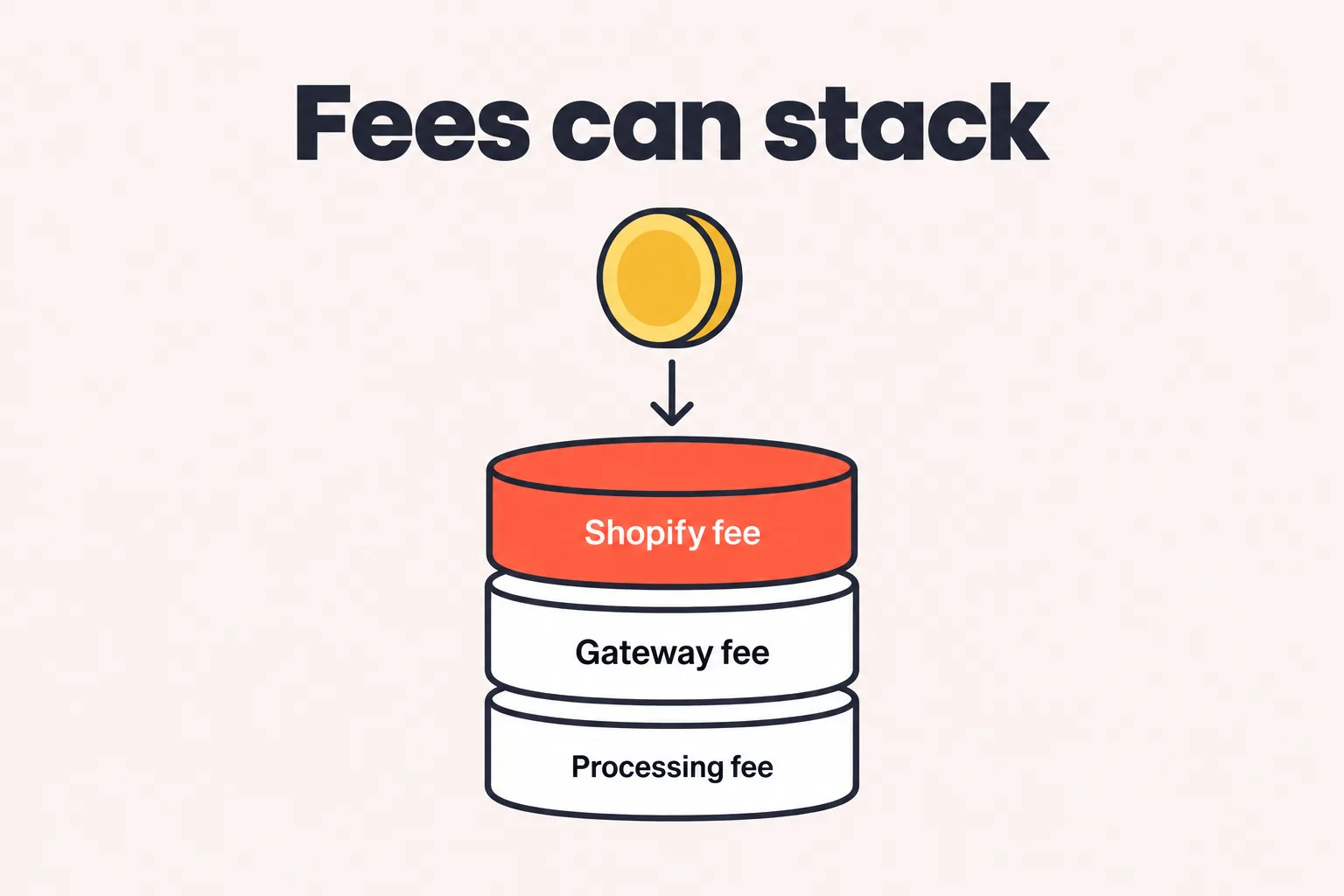
Using a third-party provider can add Shopify transaction fees to the provider’s processing and gateway charges. The Shopify fee varies by plan and may depend on your store’s location and billing terms. Check the current rate for your account before comparing plans. Shopify explains that third-party transaction fees are charged in addition to fees from the payment provider.
To compare plans, estimate the fee difference using the transaction base and rate that apply to your store, then compare the potential savings with the additional plan cost. Do not use total card volume blindly if some transactions, payment methods, refunds, or order types are treated differently under Shopify’s rules.
Also compare the provider’s full pricing: its processing markup, per-transaction costs, gateway or monthly fees, chargeback fees, minimums, compliance fees, and any currency-conversion charges. Your agreement determines which charges apply.
Flat-rate pricing combines processing costs into a blended rate. Interchange-plus pricing lists interchange separately from the processor’s markup. Neither structure is automatically cheaper for every store; compare actual statements or written quotes using similar sales, card types, ticket sizes, and refund levels.
High-risk merchants may receive different pricing or reserve terms based on their product mix, sales history, billing model, and underwriting review. Ask for a written breakdown and make sure you understand the total cost before signing.
Reserves, Rolling Holds and Payout Timing
Many high-risk approvals come with a reserve: the processor holds back part of your settlements to cover chargebacks and refunds that arrive after the sale.
Three common shapes:
Related readingBest Payment Processing for Nutraceutical BusinessesRead the guide →| Reserve type | How it works |
|---|---|
| Rolling reserve | Holds a percentage of each day’s deposits and releases it on a schedule as the funds age past the dispute window. |
| Upfront reserve | Sets aside a lump sum at the start. |
| Capped reserve | Builds to a fixed dollar amount, then stops withholding. |
A reserve affects the timing of your available cash, and its terms depend on the merchant agreement and the acquiring provider. Before accepting an offer, ask how much will be withheld, how long funds are held, what liabilities can extend a hold, and how the reserve may be reviewed later. Do not assume a reserve will shrink or that a release date is guaranteed.
You also deserve to hear the reasoning behind whatever number lands on your term sheet: what dispute exposure it covers, and what it would take to reduce it.
Subscriptions and Saved Payment Methods: Plan Before Switching
Shopify’s native subscription functionality only works with payment providers that support subscription contracts, and not every third-party gateway in Shopify’s payment settings qualifies. If you sell a monthly supplement, skincare, or wellness plan, confirm recurring-billing support in writing before you switch anything, and check it against your subscription app’s supported-provider list too.
Do not assume saved payment methods will automatically transfer with your subscription contracts. Shopify’s migration instructions distinguish between payment methods vaulted in Shopify and tokens held by a secondary gateway. The migration options depend on your current gateway, where the payment credentials are stored, your subscription app, and your Shopify plan. Ask Shopify, both payment providers, and your app developer to confirm the route before changing or closing an account.
PPO’s omnichannel gateway describes tokenization and recurring billing capabilities. Confirm separately whether the specific gateway can connect to your Shopify store and support your migration.
When you update recurring billing, state the trial length, renewal price, billing frequency, and cancellation process clearly. Consider renewal reminders where appropriate or required, and use a descriptor customers can recognize. Clear billing information can help customers understand recurring charges and reduce avoidable disputes, although it cannot prevent every chargeback.
ACH as an Additional Payment Option
ACH and other bank-payment options may suit invoices, repeat purchases, or some subscription models, but they are not a universal replacement for card payments. Availability, return rules, authorization requirements, settlement timing, and customer experience depend on the specific provider and transaction. Confirm those details before offering ACH at checkout. PPO describes ACH debit and credit, recurring billing, and same-day ACH options among its services.
When a Second Merchant Account May Make Sense
A second merchant account may provide operational backup for some businesses, but it adds underwriting, fees, reconciliation, and account-management work. Ask each acquirer whether multiple accounts are permitted and how transactions should be routed. Do not split or route transactions to avoid monitoring rules, contractual limits, or provider reviews.
Payment routing, account updater tools, retry logic, and dispute alerts are provider-specific services. Confirm what is included, what it costs, and how it works with your Shopify and subscription-app setup before treating it as part of the solution.
Managing Disputes Before and After You Switch
Chargebacks and fraud reviews can affect account standing, but thresholds and program rules change. Check the current requirements with your acquirer and the relevant card-network materials rather than relying on old threshold figures. Keep billing disclosures, customer communications, order records, delivery evidence, and refund records organized in case a dispute occurs.
Useful practices include a recognizable billing descriptor, clear recurring-payment terms, accessible support and cancellation information, timely handling of refund requests, delivery tracking where appropriate, and reviewing suspicious orders before fulfillment. These steps can reduce avoidable disputes; they do not guarantee that a payment will be approved or that a dispute will be won.
If Shopify Payments Is Disabled or Payouts Are Held
- Read the notice in Shopify admin and save a copy. Ask Shopify what action, document, or review is outstanding.
- Review orders already paid for and your ability to fulfill them. Communicate clearly with customers about delays or cancellations; do not continue taking orders you cannot reasonably fulfill.
- Check the applicable payout and reserve terms. Ask in writing about the amount held, the reason, the next review date, and any outstanding disputes or refunds.
- Before changing providers, confirm that the new provider has approved your products and location, and test the integration and subscription flow. Avoid switching live traffic until you understand what will happen to open orders and recurring payments.
- Correct the specific issue identified in the notice before applying elsewhere. Do not assume the next provider will reach the same decision or that an application will be approved.
Frequently asked questions
Can I keep my Shopify store if Shopify Payments is unavailable?
Can I sell CBD on Shopify with another payment provider?
Will a third-party gateway keep checkout on my Shopify store?
What fees apply when I use a third-party provider on Shopify?
Can I keep existing subscribers when switching payment providers?
How long does approval take for a high-risk merchant account?
Do I need LegitScript or another certification?
Talk Through Your Setup Before You Switch
If you are considering a Shopify Payments alternative, gather your product list, countries served, billing model, current provider notice, processing history, and subscription-app details. Those details help a provider assess whether it can review your business and what integration questions need answers.
PPO works with acquiring and processing partners on merchant account options for high-risk and online businesses. If you want to discuss whether a suitable option may be available for your Shopify store, contact PPO with your business details. Provider availability, approval, pricing, reserves, and integration depend on the acquirer and your individual application.
Written by Irini Tomei, Principal CEO at Premier Payments Online. PPO’s About page lists 15+ years in the payment industry and risk management. Specific eligibility, pricing, reserves, and integration terms depend on the provider and your application.